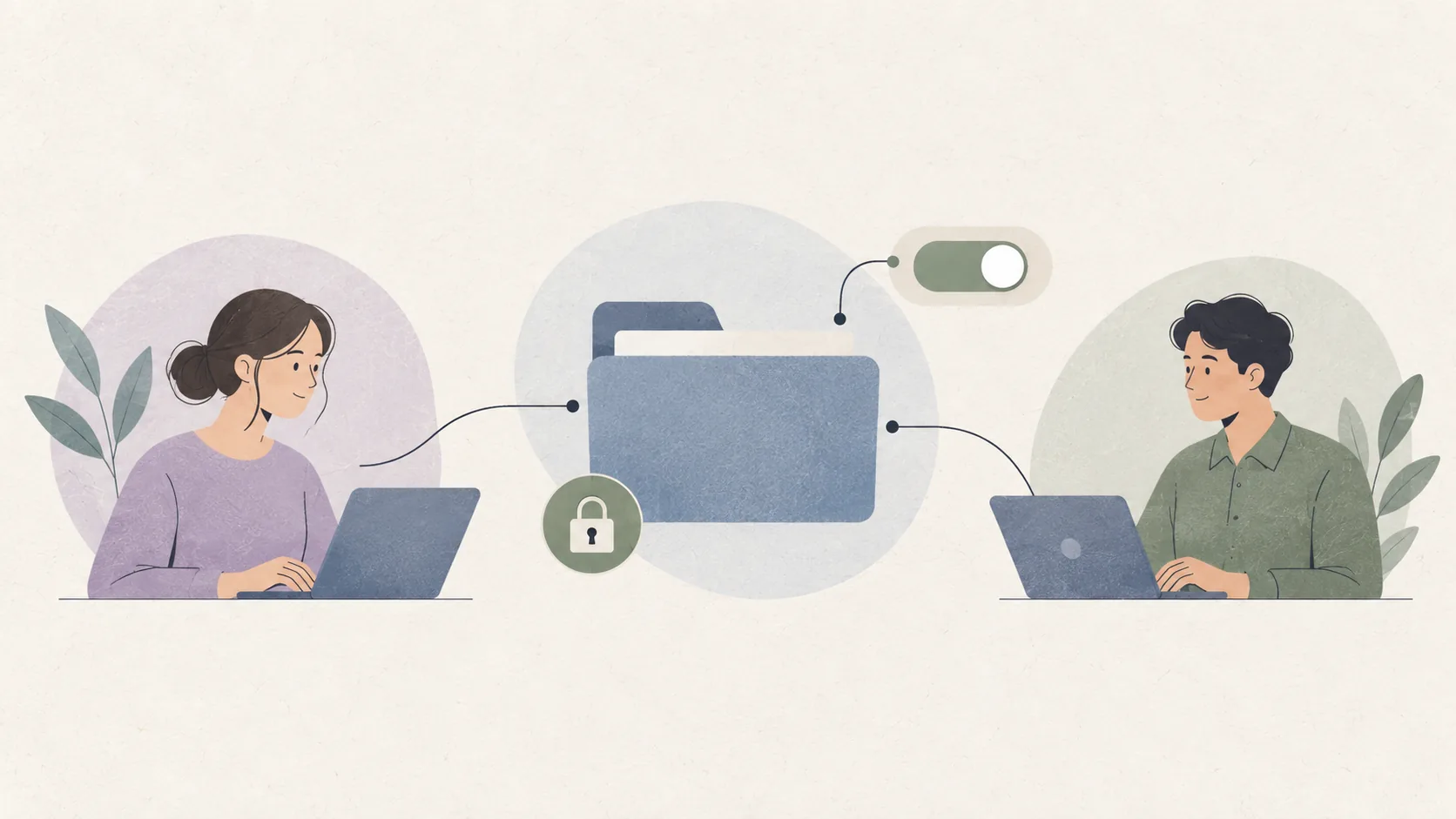
Sharing is where most cloud storage advice goes wrong, because "I sent him the file" sounds equivalent to "he can only read that file". It is not equivalent. Attaching a document to a message creates an uncontrolled copy on infrastructure you know nothing about: no expiry, no record, no revocation, and a recipient who may pass it on. Sharing through the drive itself keeps the original in one place and turns access into something you granted rather than something you abandoned.
Proton Drive offers two different mechanisms, and choosing between them is the entire decision. Share links grant one person temporary or standing access to a specific item or folder through a URL. Shared folders create a persistent space with named members who each hold their own access. Pick the narrower option that solves your actual problem.
Choose a link when the access is temporary
A share link is the right tool when someone needs something once: a contractor wants the source files, a relative needs the scanned document, a colleague needs the signed contract. The important part is not generating the link, it is deciding what the link does after you close your laptop.
Always set an expiry. A link with no expiry is a permanent, untraceable copy of a document on a server neither of you controls, and it will outlive your reason for creating it. When the work is done, revoke the link rather than waiting for the date. Revocation is instant; expiry is not.
Add a link password for anything sensitive
A share link is protected by its secrecy as much as by its encryption. Anyone who obtains the URL can use it. Adding a separate password for the link means a leaked URL — pasted into a chat, found in a browser history, or forwarded by accident — is not enough on its own.
Send the link and the password through different channels. If both arrive in the same message, the password protects nothing, because anyone who can read the message has both. This single habit eliminates the most common real-world failure mode of link sharing.
Use a shared folder when the relationship continues
A shared folder fits a household, a client relationship, or a small team that works together over weeks or months. Members are added by identity rather than by link, so you can see who has access and remove one person without disturbing everybody else.
Roles matter. An editor who can add and delete files inside a folder is a different commitment from a viewer who can only download. Give the narrowest role that still lets the person do their work. A shared folder is also a better fit than a link when you expect the recipient to contribute, since links are designed around handing something out rather than receiving something.
Keep an eye on what a member can reach
The most common surprise in shared-folder use is structural. When you share a folder, the recipient's access covers everything inside it, including items added afterwards. A link you created for one document quietly becomes the doorway to a directory that later received tax returns and identity scans.
Review what is actually inside a folder before you share the folder rather than the file. If a folder has accumulated unrelated material — which happens whenever one person uses a single folder for convenience — create a dedicated folder for the recipient instead of sharing the working directory.
Revoke deliberately rather than hopefully
Access should end because you ended it, not because the relationship ended quietly. When someone leaves a project, a client engagement, or a family arrangement, remove their membership rather than hoping they forget the link. Then check whether the folder contains anything that was only ever there for them.
Keep a short note of what you have shared with whom. Not because people are untrustworthy, but because six months later nobody remembers which of fourteen links contained the signed copy and which contained the draft.
Understand what a recipient actually receives
A recipient who downloads a shared file now holds an unencrypted copy on their own machine. Your encryption guarantees a great deal about transit and storage on the service — and nothing at all about what happens after somebody saves a copy to their desktop.
This is not a flaw in the product; it is how files work. It does mean that "it is end-to-end encrypted" is a statement about storage, not about the recipient's behaviour. When the material is genuinely sensitive, agree how it should be handled and destroy copies when the project ends.
Keep the account boundary clear
None of this requires anyone to hand over an account password. A correctly shared file is delivered through the drive itself, which means the only credential that should ever travel is a link password — and even that is optional. We are an independent fan site, so we cannot invite anyone to your library or manage members on your behalf; only Proton's own interfaces can do that.
For a broader description of how the service opens and where a real Proton Drive login begins, start with our homepage overview before configuring anything.
A short order of operations
Decide whether the access is temporary or ongoing. Pick a link or a shared folder accordingly. Set an expiry, or add a member with the narrowest role that works. Send link passwords through a different channel than the link. Revoke access when the reason for it disappears. This sequence is short enough to remember and it is the difference between sharing and leaking.