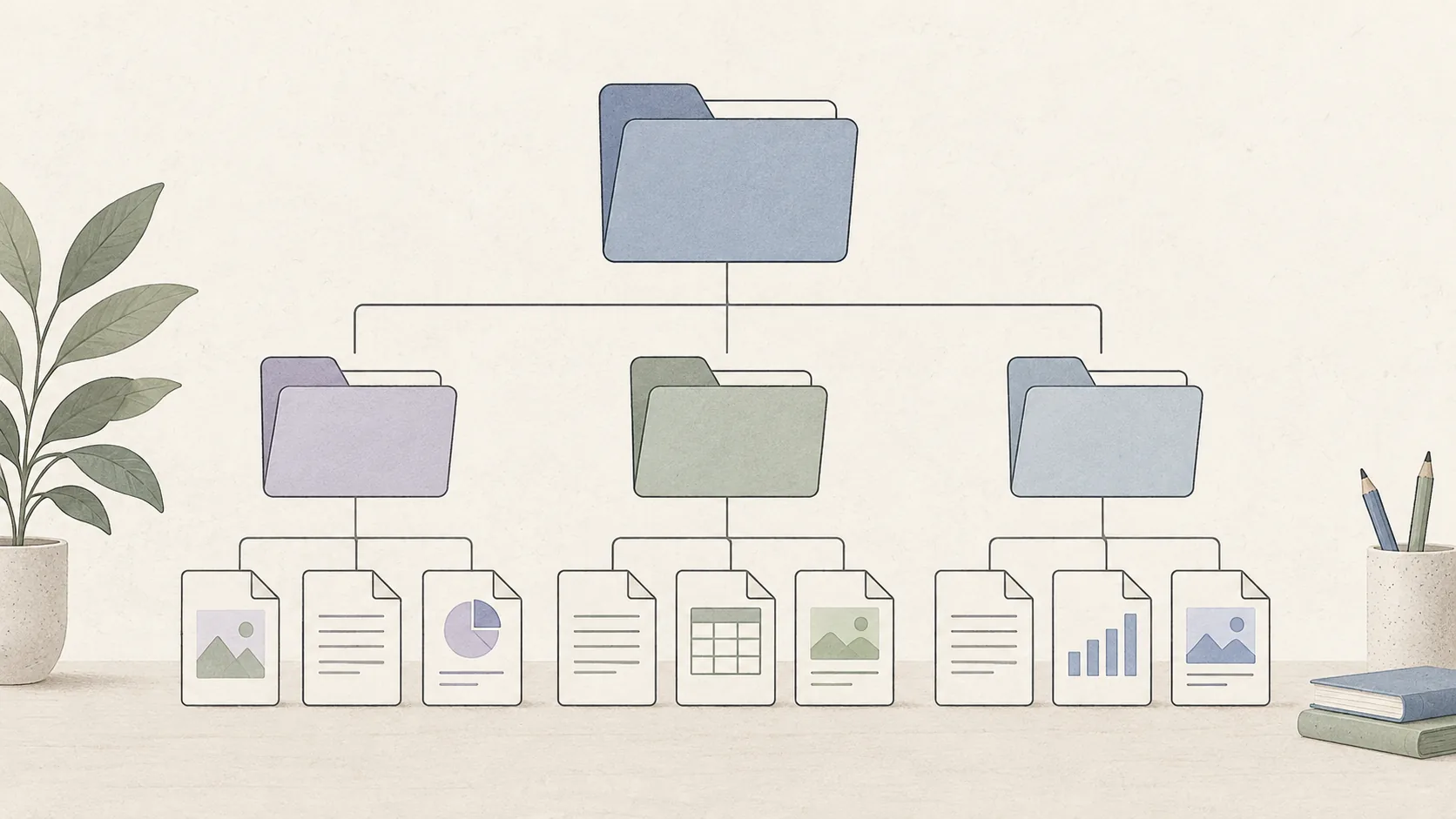
Cloud storage removes the excuse that once justified mess. A local disk had to be reused because there was nowhere else to put things; a drive has effectively unlimited room, so every document ever created can simply accumulate. The result is a library that grows monotonically and a search box that returns four versions of the same file, none of them obviously the one you wanted. Tidying a library is not housekeeping. It is the difference between owning files and merely possessing them.
The good news is that this is a bounded, one-time project. You are not migrating anything and you are not uploading anything, which means you can stop at any point without risk. Start by looking before you move.
Adopt one naming rule and write it down
The single highest-value change is a predictable filename pattern. The pattern matters less than the consistency; almost any rule beats the mixture most libraries end up with. A widely used one is a date first, because it sorts correctly without tools:
2026-03-14 invoice-acme-corporate.pdf
Dates first sort chronologically, names describe contents, and the words you are likely to search for appear in every file rather than only in some of them. Keep it short enough that you will actually follow it — a twelve-field convention is abandoned within a month, a three-part one survives. Write the rule down where you will see it, because a rule you have to remember is a rule you will break.
Keep folder depth shallow
Deep hierarchies feel tidy and behave badly. A file six folders deep is effectively invisible: nobody navigates six levels to find a document, and search may not match a folder name you invented in 2019. Aim for one or two levels below the top and use search for everything deeper.
A structure that works for most people is small and boring — by category, by year, or by project — with everything else living at the top level. What matters is that you can state where a given file is without thinking about it.
Delete duplicates instead of renaming them
Most libraries contain several identical copies: the same file in Downloads, in Documents, and in a folder called New Folder (3). Renaming them "final_v2_REALLY_FINAL" extends the problem. Comparing by size and date, keeping the newest, and deleting the rest usually frees meaningful storage and makes search dramatically better, because the noise is what search is failing to filter out.
Before deleting anything, confirm that the copy you are keeping actually opens. An encrypted library that syncs badly can produce a file that looks present and is not. Open one representative file from each folder you intend to prune.
Archive finished projects rather than deleting them
Some folders have genuinely ended: a finished project, a tax year, a contract that is closed. These do not belong at the top level where they compete for attention, and they do not need to be deleted. Move them into a single archive area named by year, compress the folders where the content allows, and stop thinking about them.
This is where compression earns its keep. Long-dead material compresses extremely well because it is old documents and finished images, not active video.
Give special file types a deliberate home
A few categories cause most of the confusion, and each deserves a decision rather than a default. Receipts and invoices belong with the year they belong to, not in a folder that grows forever. Scanned identity documents belong somewhere a family member can find them when needed, which is rarely where they were saved. Contracts should be named for both parties. Passwords and keys belong in a password manager, not in a drive, because a link can be forwarded even when a folder cannot.
Make these decisions once. A library is disorganised because a hundred small decisions were never made, not because one big decision was made badly.
Decide what stays off the drive entirely
Some things should never be uploaded at all, regardless of how good the encryption is. Anything you are legally or contractually obliged to keep elsewhere, anything a colleague has no business holding a copy of, and anything you could not describe if asked should stay on a device you control. Uploading is convenient enough that it quietly replaces the question with a reflex.
Conversely, a drive is the right home for anything you would mourn losing. If your backup routine has never been tested, that is a more urgent project than the folder names.
Expect the library to drift again
A tidy library decays naturally at a rate of a few files a month. This is not a failure of discipline; it is what happens when saving is one action and filing is another. The countermeasure is to make filing nearly free — pick the closest sensible folder in the moment rather than the perfect one, and schedule one short review session per year.
Do the reorganising through Proton's own web interface or its desktop clients. If you start from the service itself rather than from a copied export, folder structure, sharing, and links all stay consistent, and you avoid building a second library that has to be merged back later. If you need the wider context of how the service and its storage model developed, read our history page, or set up Proton Drive before you start moving anything.
A short order of operations
Look before you move. Pick a naming rule and write it down. Flatten anything deeper than two levels. Deduplicate, keeping only the newest copy. Archive what is finished, by year. Choose a home for receipts, scans, and contracts. Exclude what should never have been uploaded. Then schedule one review a year. Ninety minutes of attention now saves an afternoon of searching every month after.